
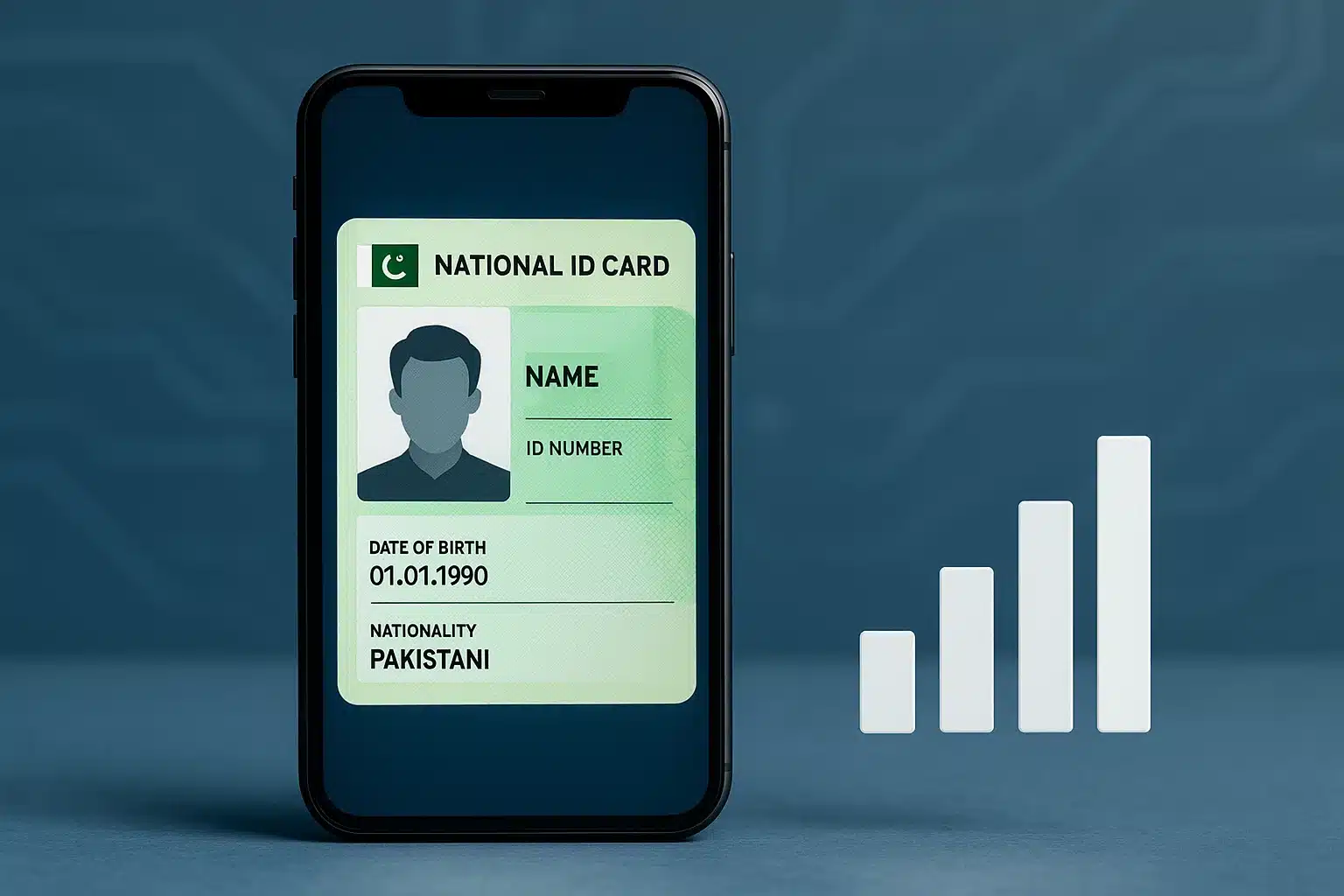

In an era of growing digital identity concerns, knowing how many mobile SIM cards are registered under your Computerized National Identity Card (CNIC) is crucial for personal security.
Whether you live in Pakistan-administered Jammu and Kashmir or any other part of Pakistan, telecom regulations are managed under the same national framework through the Pakistan Telecommunication Authority (PTA).
This step-by-step guide by The Azadi Times Technology Desk explains how to check SIMs registered on your CNIC — using both online and SMS methods to ensure your digital identity remains secure and compliant.

Why Checking SIMs on CNIC Matters
In recent years, misuse of mobile SIM cards has become a growing concern across the region. Fake or unauthorized SIMs can be linked to fraud, spam, or even cybercrime.
By verifying your SIMs through official PTA systems, you can:
Identify unauthorized numbers issued under your CNIC
Report misuse or fraud to your mobile operator
Maintain digital safety and prevent identity theft
Comply with PTA’s biometric verification rules




Official Method: PTA SIM Information System
The Pakistan Telecommunication Authority (PTA) operates a public verification system that allows individuals to check all SIMs issued under their CNIC.
You can do this in two simple ways: via website or through SMS.
Method 1: Check SIMs on CNIC via Website (Online Method)
Visit the official PTA website: https://cnic.sims.pk
Enter your 13-digit CNIC number (without dashes).
Complete the captcha verification.
Click Submit.
You will see a detailed list showing:
Name of each mobile network (Jazz, Zong, Telenor, Ufone, SCOM, etc.)
Total active SIMs registered under your CNIC.
This method works for residents of Pakistan-administered Kashmir as well as all provinces of Pakistan.
Method 2: Check SIMs on CNIC via SMS (Offline Method)
Open your phone’s messaging app.
Type your CNIC number (without spaces or dashes).
Send it to 668.
You will receive an instant SMS reply showing:
Number of SIMs registered with each mobile company.
Example:
Jazz: 2
Zong: 1
Ufone: 1
This method works on all mobile networks, including SCOM in the Kashmir region.
How to Block Unused or Unauthorized SIMs
If you find SIMs registered in your name that you didn’t authorize:
Visit the nearest franchise or customer service center of that network.
Bring your original CNIC for biometric verification.
Request cancellation of unverified or extra SIMs.
You can also contact PTA’s consumer protection helpline at 0800-55055 for further assistance.
Regional Note: Pakistan-Administered Kashmir
For users in Pakistan-administered Jammu and Kashmir, including Muzaffarabad, Gilgit-Baltistan, and Neelum Valley, the same PTA verification process applies.
However, certain networks such as Special Communications Organization (SCOM) are managed under the Ministry of IT and Telecommunication, and their records are synchronized with PTA’s national database.
Thus, whether your network is Jazz, Zong, Telenor, Ufone, or SCOM, the verification through https://cnic.sims.pk remains valid and accessible.
Data Privacy and Security Concerns
Experts recommend checking your SIM registration at least once every six months.
Unauthorized SIMs can be used for fraudulent activities without your knowledge.
Always:
Keep your CNIC details confidential.
Avoid sharing personal data on unverified websites.
Report suspicious SIM activity immediately to your operator.
Key Takeaways
Visit https://cnic.sims.pk or send your CNIC to 668 to check SIMs.
Works for Pakistan-administered Kashmir and all of Pakistan.
Report unauthorized numbers promptly.
Always use official PTA channels for verification.